 twobucket.
How to Price Ceramic Coating (Quote After Seeing the Car)
Ceramic coating is hard to price up front: it depends on how much polishing the paint needs first, the size of the car and how long the coating lasts. In TwoBucket, list it on your booking page without a price, ask for photos, and send a quote once you've seen the paint.
Steps
- In Services, open Ceramic coating.
- In Description, say it's priced after you see the paint, and ask for a few photos.
- Leave Show price on booking page off.
- Turn on Show on booking page and click Save changes.
- Customers can pick it on your booking page, with no price shown.
- When the request comes in, check the photos and send a quote.
Transcript
0:00 Why quote it
Let's talk about how to price ceramic coating in TwoBucket, as a service you quote after you see the car. From the sidebar, click Services. In the list you'll see Ceramic coating, hidden for now. A coating is hard to price up front. It depends on how much polishing the paint needs first, plus the size of the car and how long the coating lasts.
0:21 Set it up
Click Ceramic coating. In the field called Description, I'll say it's priced after I see the paint, and ask for a few photos. Find the switch called Show price on booking page. Leave it off. Customers see no price, and you send them a quote. Then turn on the switch called Show on booking page, and click Save changes.
0:43 What your customer sees
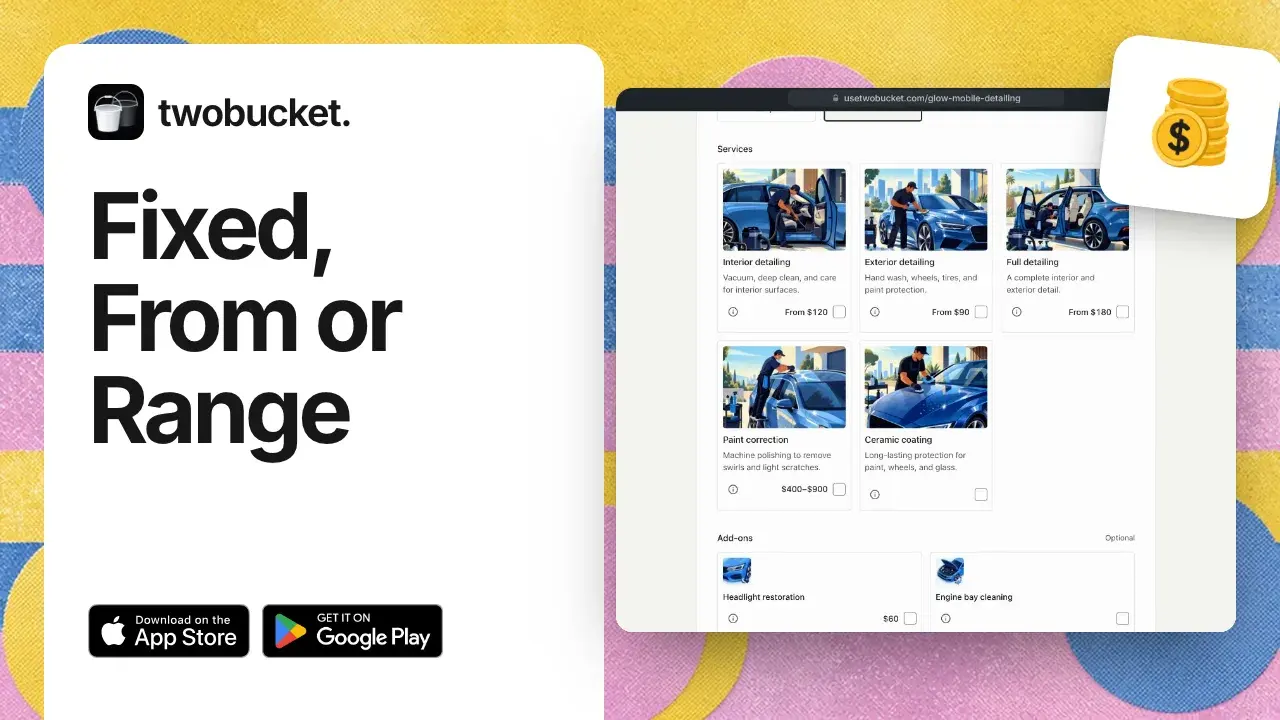
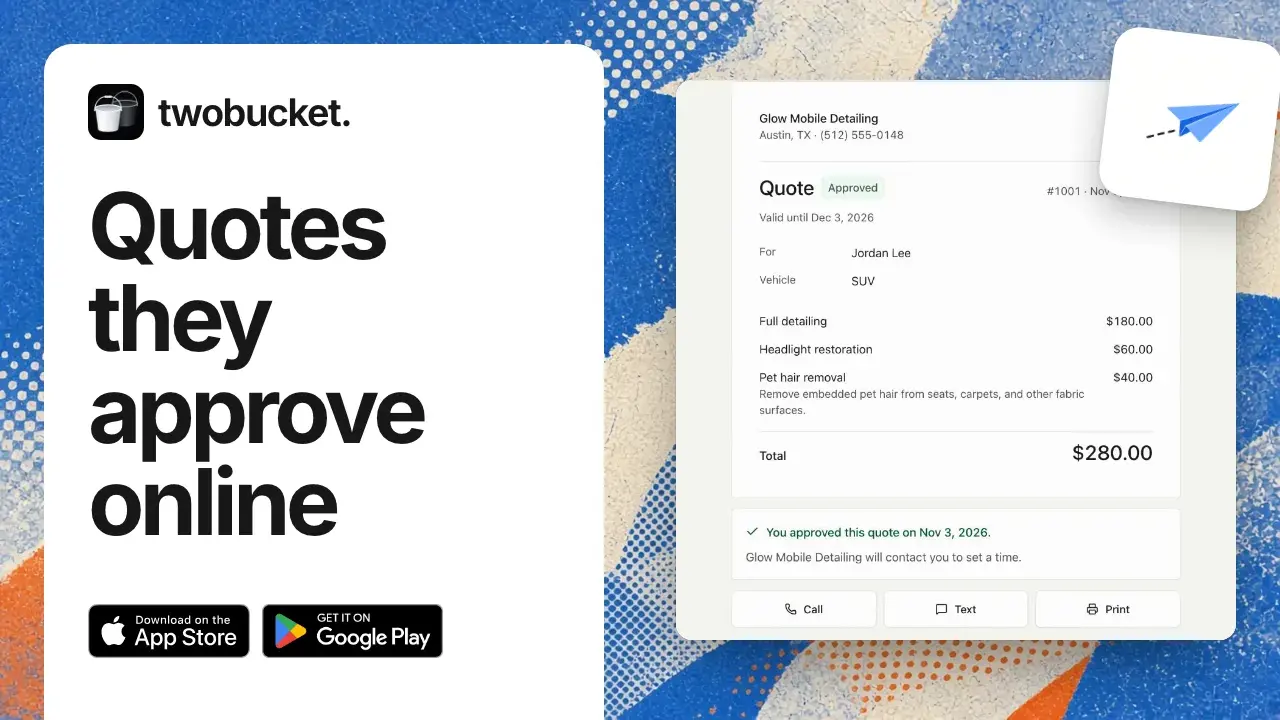
Here's your booking page, as a customer sees it. Pick SUV. Ceramic coating now shows with its description and no price. The customer can still pick it. When a request comes in, look at the car or the photos. Work out how much polishing it needs, then put your price on the quote. Thanks for watching. Sending the quote is covered in another video.
Read more
More tutorials

Your work is spotless. Now your business is too.
Set up your page today and share it with your next customer.
Try for $0