Scheduling for mobile detailers
Customers ask for a day. You set the time. TwoBucket sends them the visit, reminds them the day before, and keeps it in your calendar.
7 days free. No card required.
Your hours, your windows
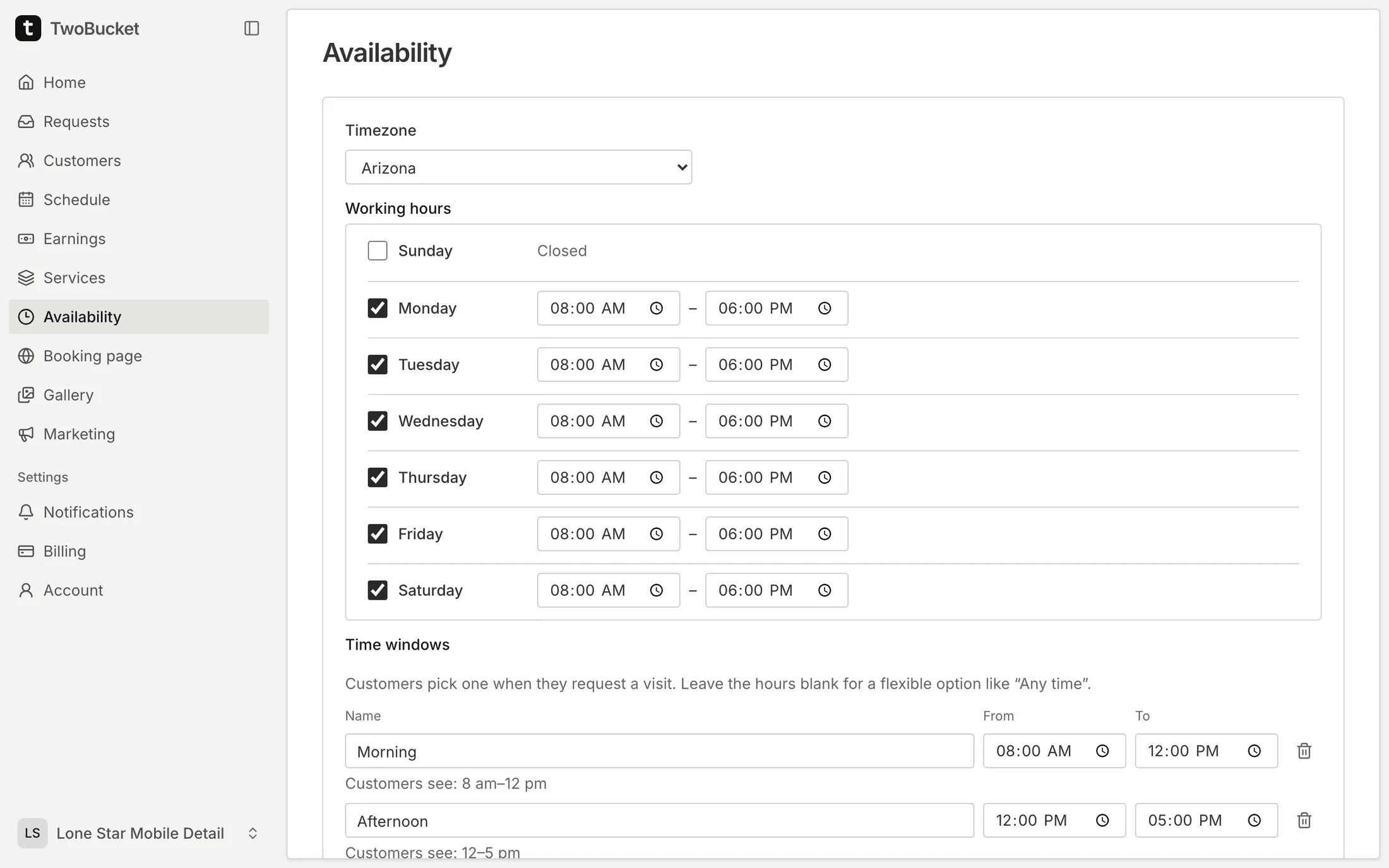
Set the days and hours you work, how much notice you need and how far ahead customers can ask. Customers choose one of your time windows, or Any time.
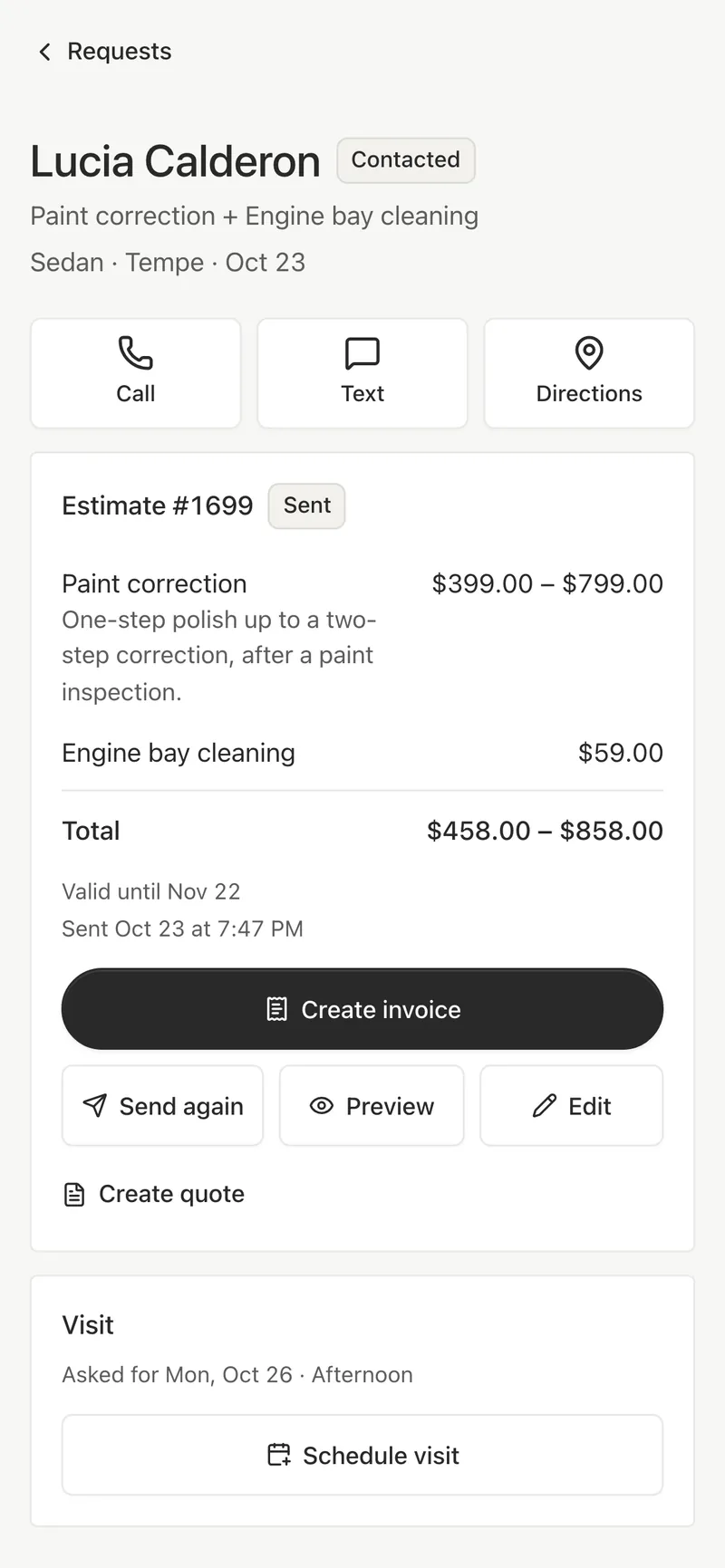
Schedule the visit
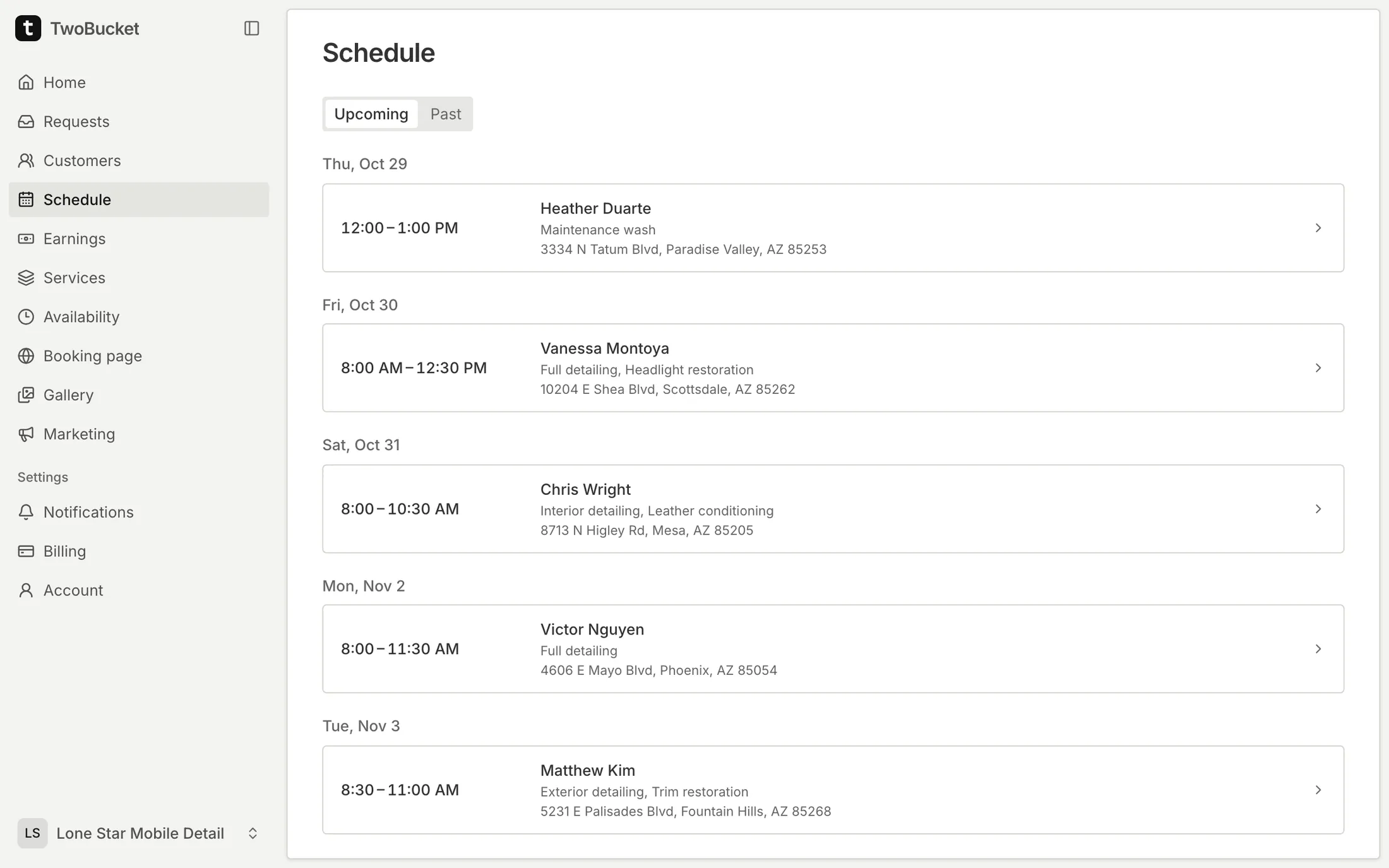
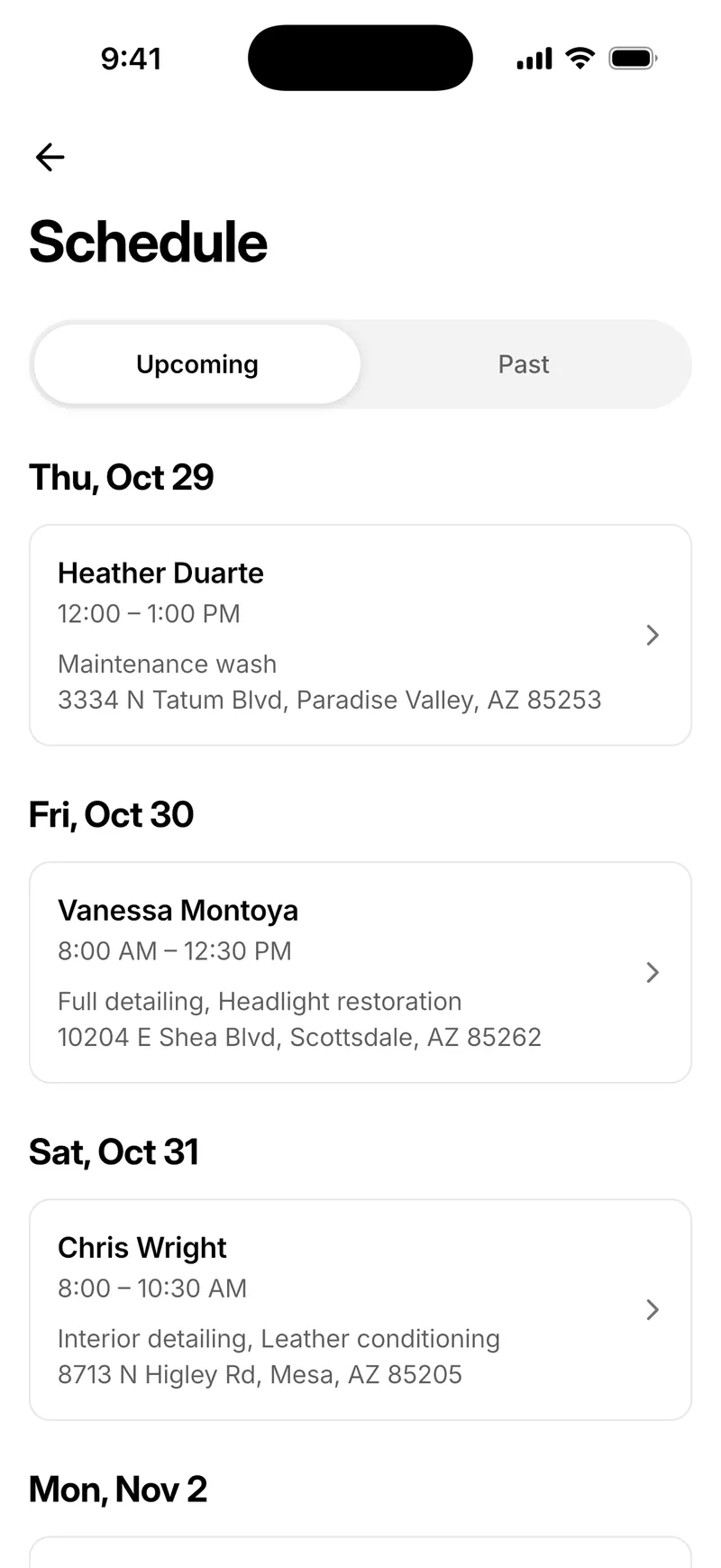
Pick the date, start time and length. Send it by text from your phone or by email from TwoBucket. Move it later, and TwoBucket shows that it changed so you can send an update.
- Upcoming visits by day, and the last 90 days under Past
- On my way: a text from your phone on the day
- A job timer, and time on the job in Earnings
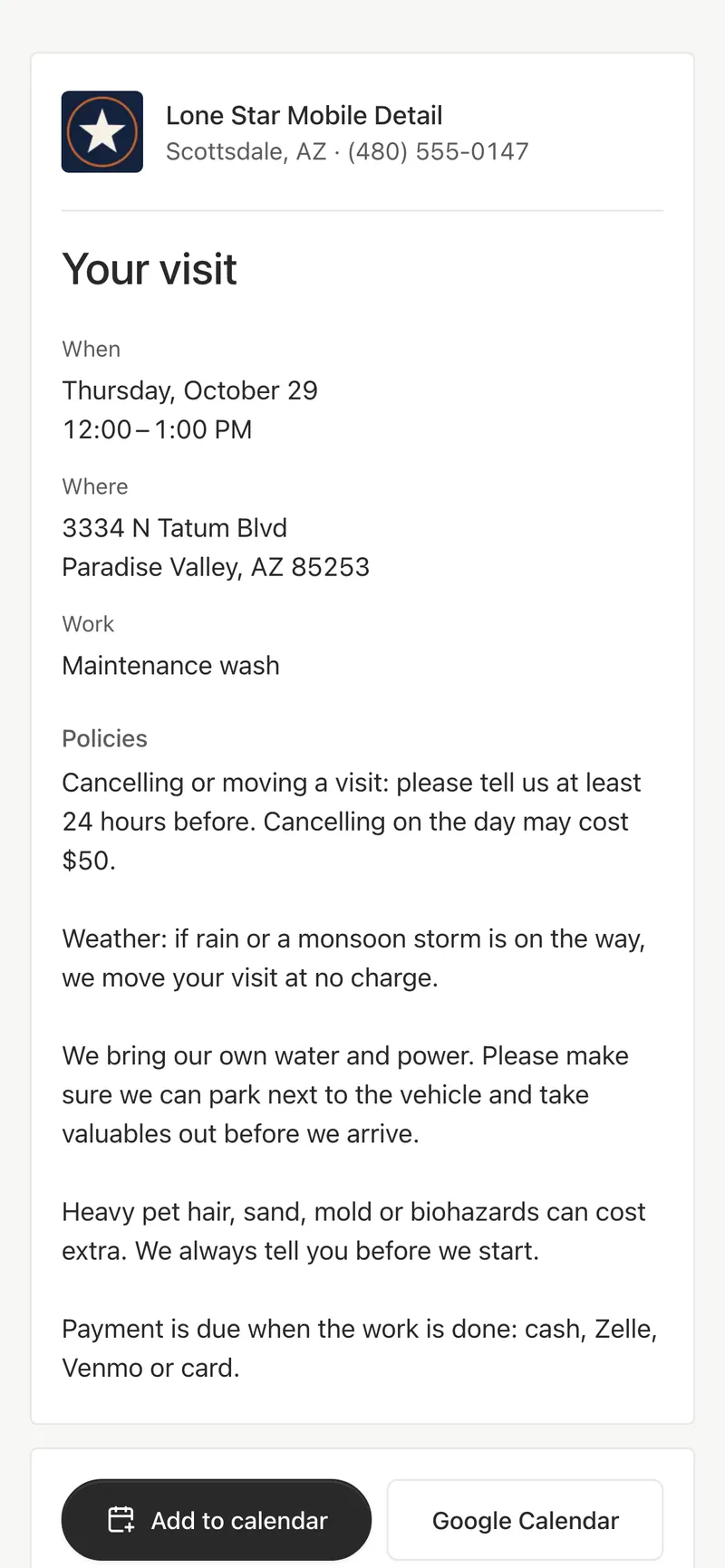
A visit page for the customer
When, where, the vehicle and the work, with Add to calendar, Google Calendar, a way to call or text you, and their quote or invoice.
In the calendar you already use
Connect Google Calendar, Outlook or iCloud, and TwoBucket keeps each scheduled visit in a calendar named TwoBucket, within seconds of a change. Or subscribe with a private link in Apple Calendar, Google Calendar or Outlook.
- TwoBucket writes your visits and never reads your other events
- Disconnect, and TwoBucket takes its visits out again
Reminders the day before
TwoBucket emails the customer a reminder the day before the visit. It texts them too when they agreed to texts and have a US mobile number. Turn reminders off anytime.
Included in every plan
- Availability
- Working hours, notice, how far ahead, time windows
- Visits
- Date, start time and length, sent by text or email
- Calendars
- Google Calendar, Outlook, iCloud, or a private link
- Reminders
- Email the day before, and texts to US mobiles
Questions
Can customers pick an exact time slot?
They choose a preferred day and one of your time windows. You set the exact time when you schedule the visit.
Does TwoBucket read my calendar?
No. It adds your visits to a calendar named TwoBucket and doesn’t read anything else in your account.
Do reminders cost extra?
No. Visit reminders are included in the plan.
More in TwoBucket
Customers
A customer list built from your requests, rebooking reminders, review requests and CSV export.
Quotes and invoices
Estimates with ranges, quotes to approve, invoices to pay by card, and earnings by week, month and year.
Booking page
Services with photos and prices, vehicle and condition, photos, and the day and time customers prefer.
Take your next booking on TwoBucket
Set up your page today and share it with your next customer.