How to Take Online Bookings for Mobile Detailing
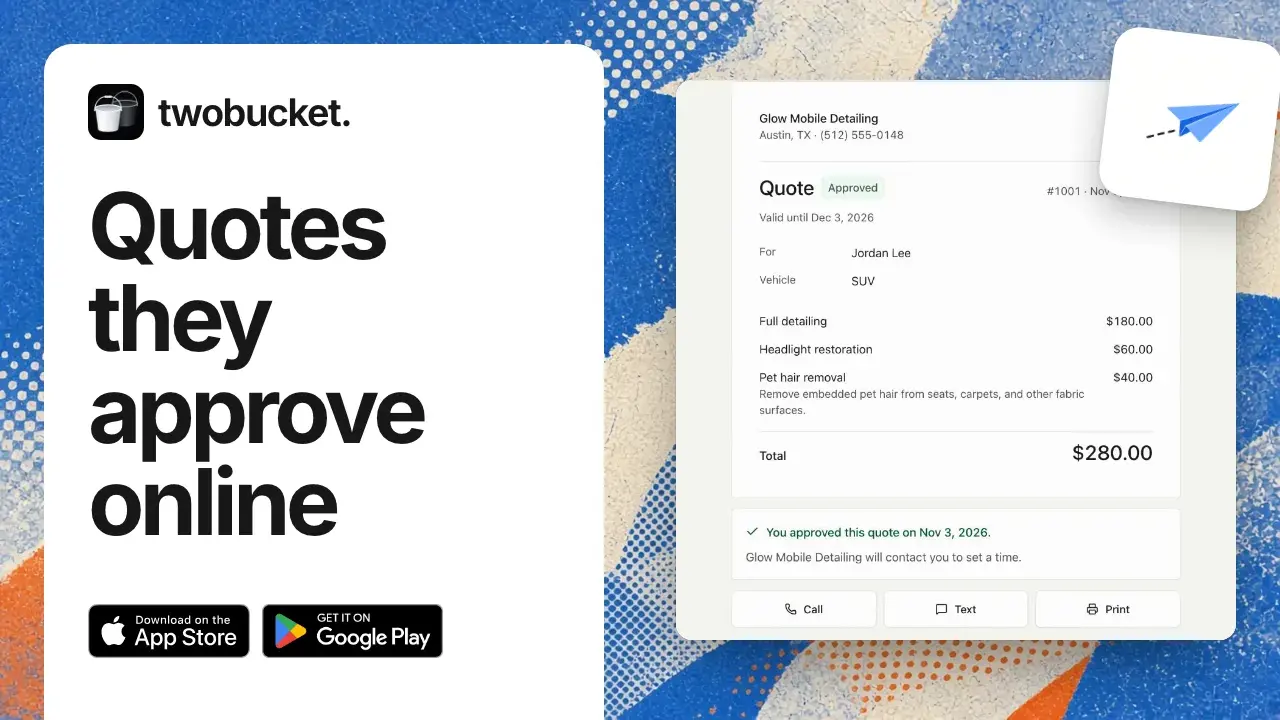
Set up a booking page for your mobile detailing business: create a TwoBucket account, add your business name, vehicle types and starting prices, then go live. Customers pick their vehicle and services and send you a request. You reply with a quote.
Steps
- Sign up with your email and a password, then open the confirmation link.
- Type your business name. The page address fills in by itself.
- Tick the vehicle types you work on.
- Choose whether prices show, and type a starting price for each service.
- Add your phone number and location, then click Go live.
- Click Copy link to share your page.
Transcript
0:00 Create your account
In this video you’ll learn how to take online bookings for your mobile detailing business in TwoBucket. On the sign-up page, type an email and a password, then click Create account. Open the confirmation link from your email, and setup starts.
0:15 Your business
Type Glow Mobile Detailing as the business name. The page address fills in by itself. Click Next. Customers will pick a vehicle type, like Sedan or SUV. Tick Convertible, so every type is on.
0:29 Your prices
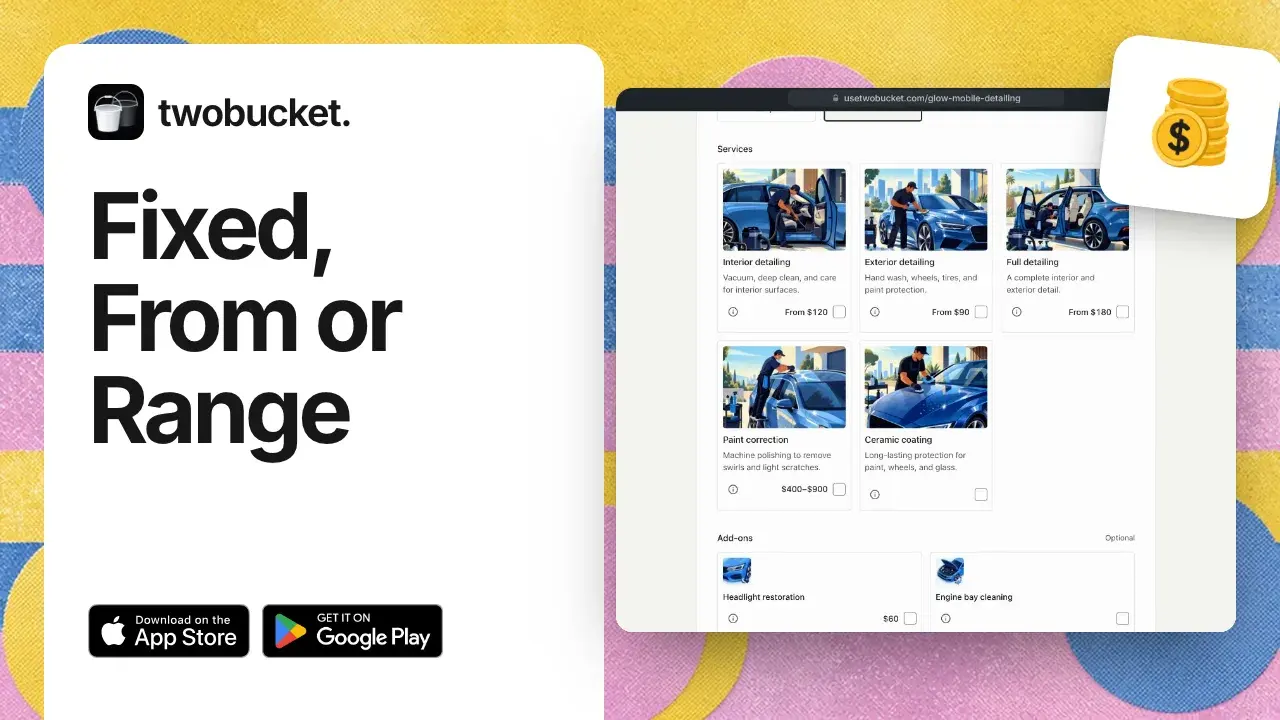
Click Next. Your prices are set to show. With Quote only, they’d stay hidden. Type starting prices: Interior, one hundred twenty, Exterior, ninety, Full, one hundred eighty. Then click Create business.
0:44 Get ready and go live
There’s a card called Get your page ready. Services and prices, Working hours, and New request alerts are already done. Under Contact details, type a phone number and Austin as the location, then click Save. Click Go live. A small note says your page is live.
1:04 Your booking page
To share it, there’s Copy link. Click View page to open it. It opens right on the quote form. Pick SUV, and the services show with photos and From prices. Your customer picks the services they want and sends you a request. You reply with a quote. Thanks for watching. When a customer sends a request, it shows up under Requests.
Read more
More tutorials
Take your next booking on TwoBucket
Set up your page today and share it with your next customer.
Try for $0